When to Update Listing Photos: A Tampa Bay Agent’s Guide
By Igor, photographer at K94 Production · Updated November 17, 2026
Decide between keeping your gallery, requesting a new export, updating selected rooms or booking a full reshoot after changes to a Tampa Bay property.
Start with what has changed, not how old the photographs are
Update listing photographs when they no longer explain the property accurately or when important spaces are missing. A new kitchen, a different furniture arrangement or a newly accessible exterior can justify new capture. A calendar date alone is not a useful reason to replace a complete, accurate gallery.
For Tampa Bay agents, the practical decision is usually between four actions: retain the existing set, request a better export, photograph selected spaces again, or commission a complete new shoot. Before spending on another appointment, identify the specific problem the replacement photographs need to solve.
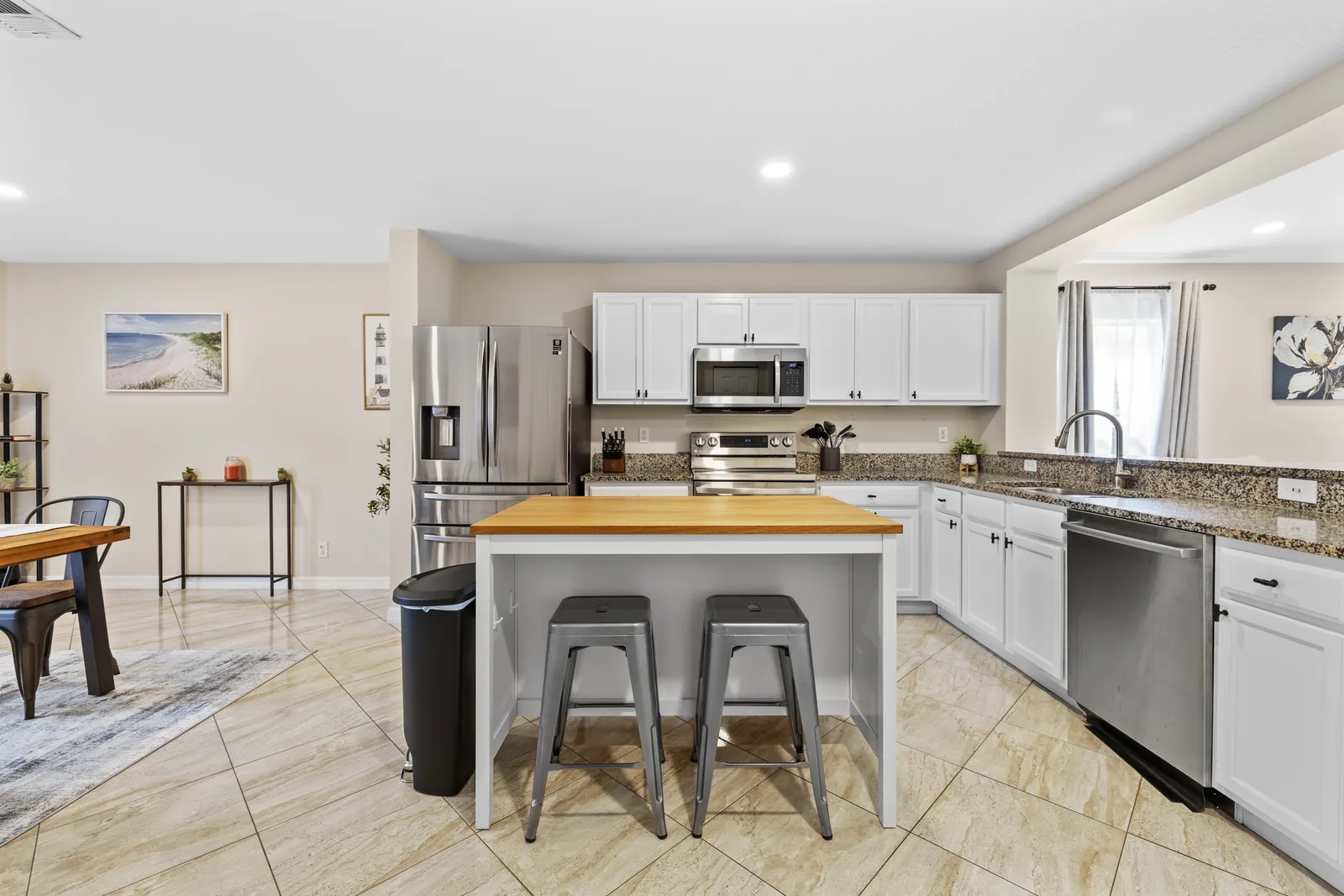
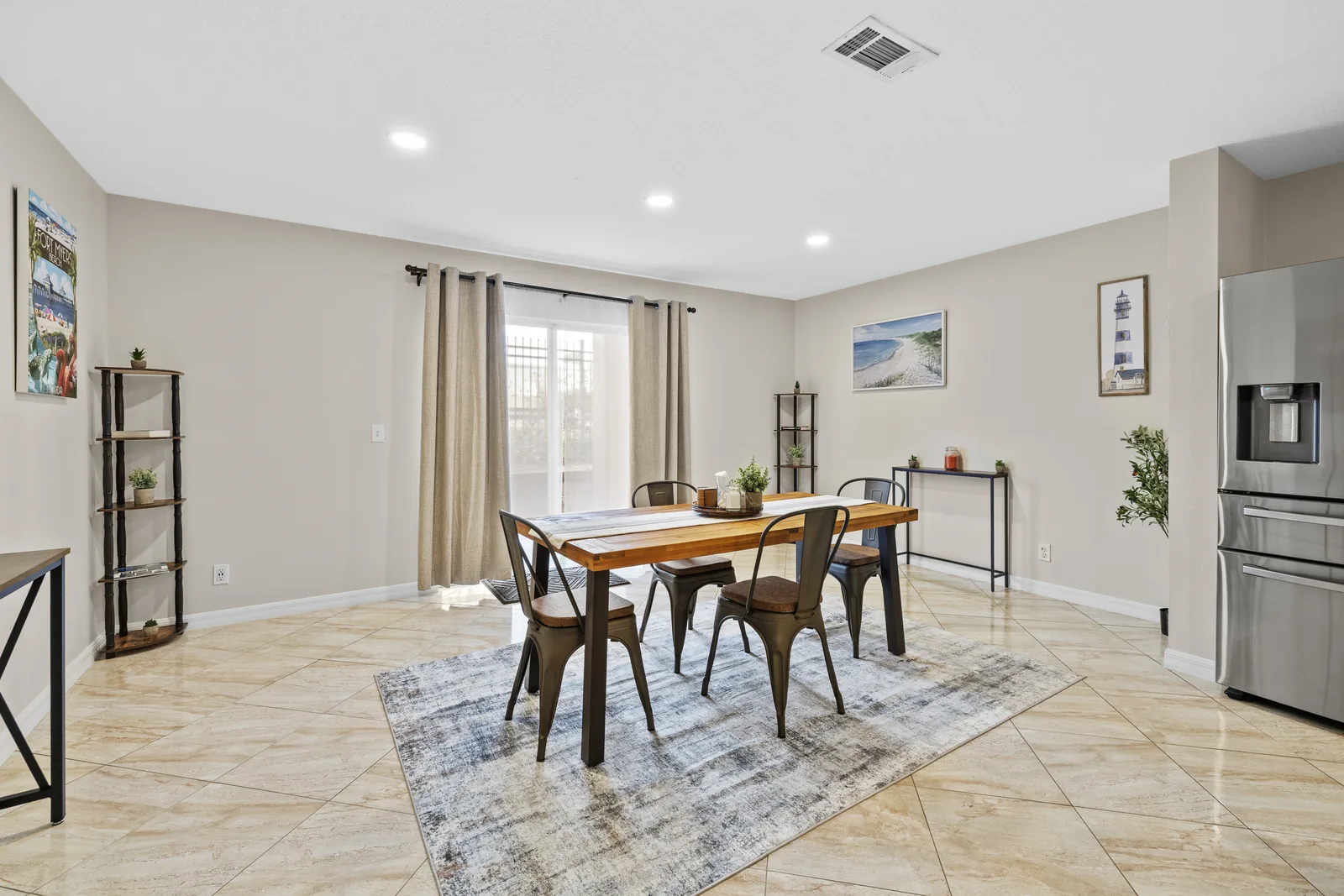
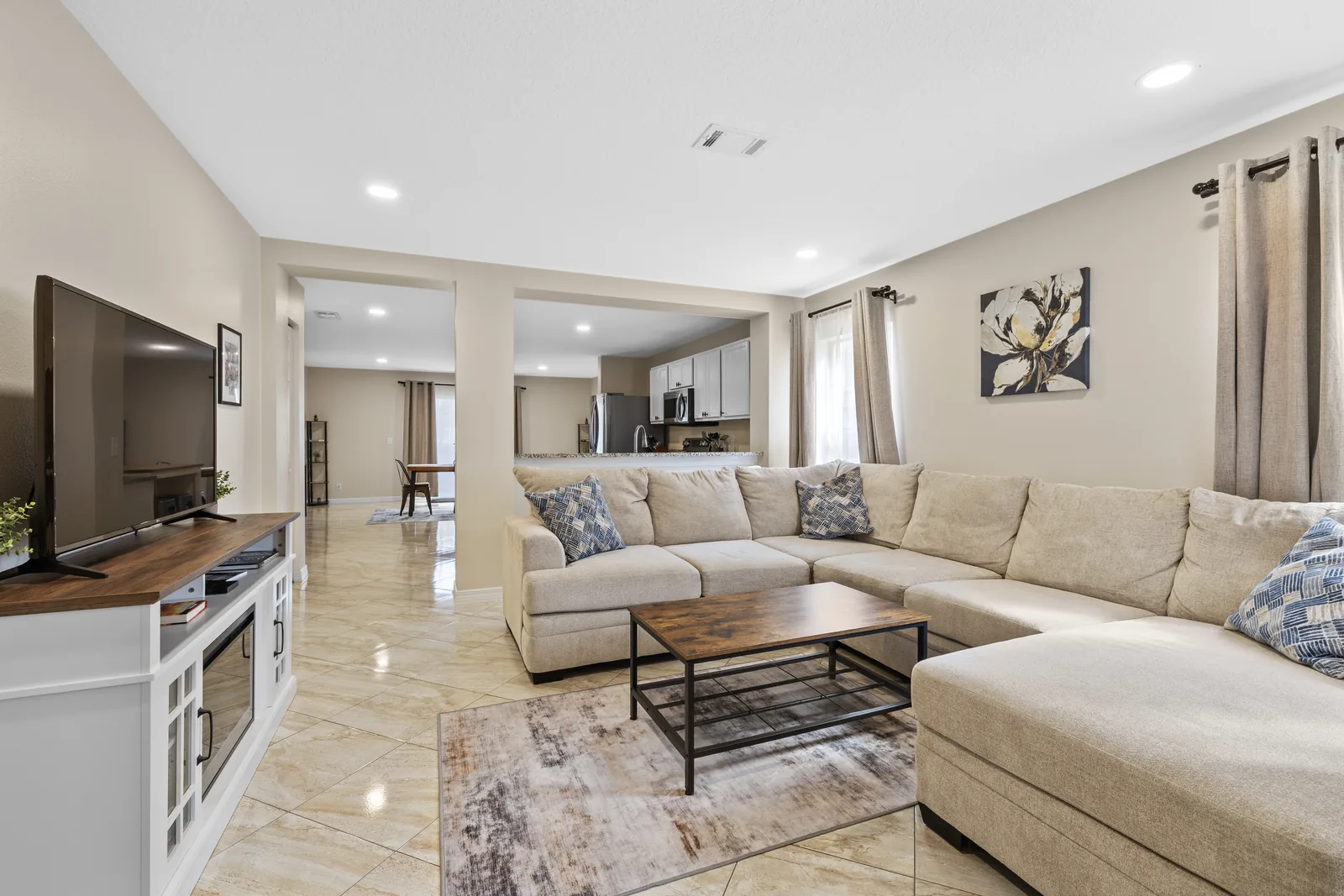
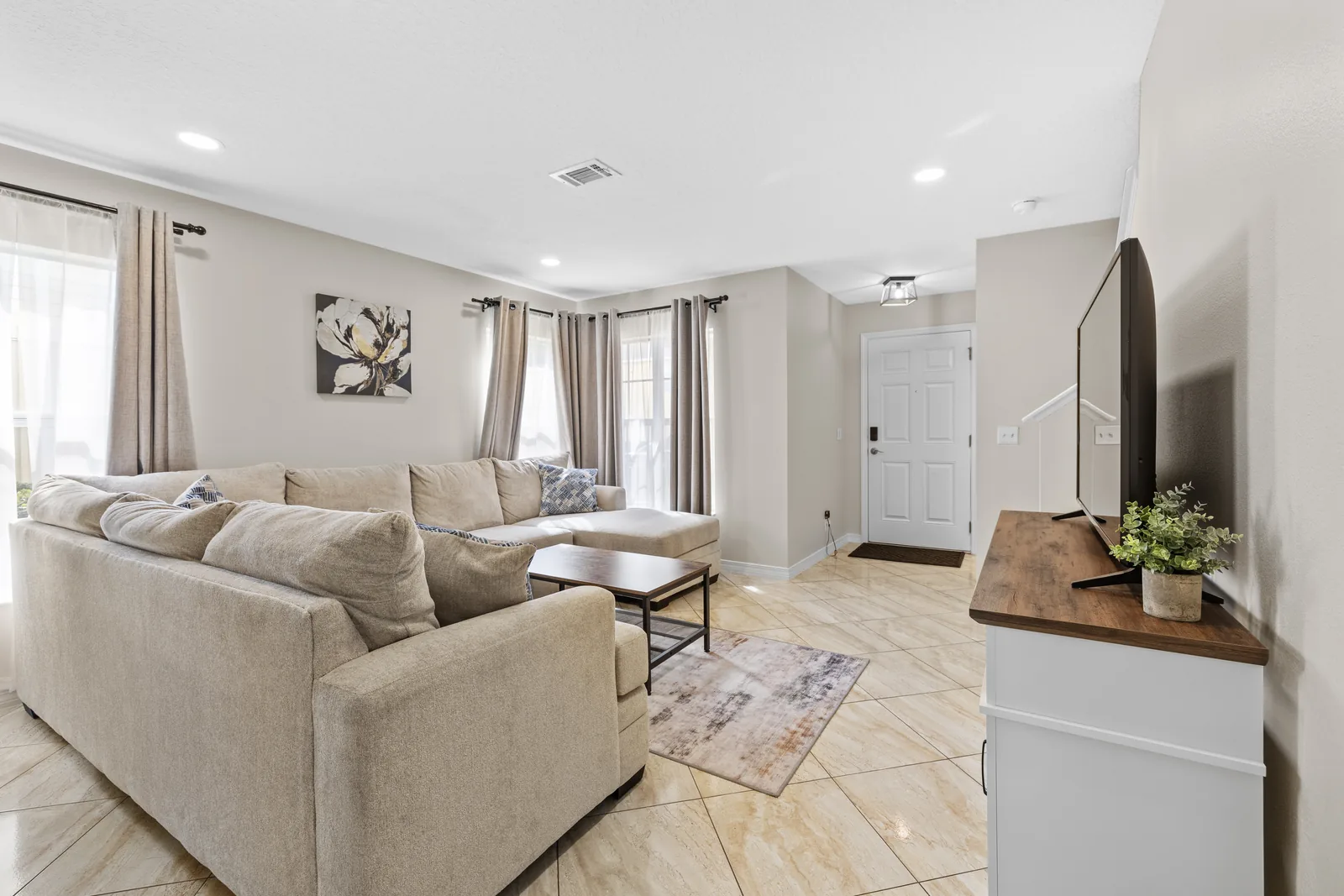
The images in this guide are from K94’s shoot at 1959 Searay Shore Drive in Clearwater. They illustrate how rooms connect within a gallery. They are not before-and-after photographs, and we are not claiming the property underwent renovations or a reshoot.
Use this decision list before booking another visit
Separate a capture problem from a delivery or upload problem. If the original photograph is clear but the version on the listing looks soft, compare the files first. If the photograph accurately shows an old kitchen that has since changed, a different export will not solve the problem.
- Property unchanged and gallery complete: review the current set before ordering replacements.
- Original files look clear but uploaded images look poor: check the selected export and upload process.
- One room or feature has changed: ask whether targeted replacement photographs will cover it.
- Several connected rooms have changed: plan coverage of the whole affected area.
- Original coverage is incomplete or inconsistent throughout: discuss a complete new shoot.
- Usage permission is uncertain: resolve it before reusing any existing images.
A room update may affect more than one photograph
For a kitchen renovation, identify every photograph in which the kitchen is visible. An old living-room overview may still show the former cabinets in the background. Replacing only the close kitchen view could leave two incompatible versions of the same space in the listing.
The Clearwater kitchen and dining photographs below show why this matters. The kitchen appears in the context of adjacent space, so a hypothetical change to its finishes would need to be checked across both views. Use the room connections to define the reshoot brief, rather than simply asking for one new kitchen picture.
Furniture changes need a consistency check
After staging or furniture removal, decide which version of the home the gallery should present. Mixing a furnished overview with an empty reverse angle can make it harder to understand that both images show the same room. Review linked views together and ask the listing agent how the current presentation should be communicated.
Not every moved chair requires a new shoot. Focus on changes that affect how the space is understood: a different room use, a substantially different layout or an important feature previously hidden by furniture. If virtual staging is involved, check the applicable content and disclosure rules separately.
Exterior updates should show actual completed work
New exterior photographs may be useful after work is finished, temporary equipment is removed or an agreed outdoor space becomes accessible. Before booking, confirm that the site is ready for the intended photographs. A scheduled completion date and a clean, accessible property are not always the same thing.
Do not use editing to imply that permanent work has been completed when it has not. Stellar MLS’s photo guidance calls for an accurate portrayal of property features and restricts certain alterations. Consult its current guidance for your listing rather than treating a replacement image as a way to hide a material condition.
Define a targeted reshoot in writing
Send the photographer the original filenames, a description of what changed and the views you need replaced. Include connected-room images that may show the old condition. If you want the new photographs to sit alongside the previous set, ask about matching framing and overall presentation; exact lighting may vary with the appointment and weather.
Confirm the scope, price, access arrangements and delivery deadline. Do not assume a partial visit has a fixed discount or that a return appointment is covered by the original booking. A short, specific brief lets the photographer quote the work actually required.
- Property address and the current gallery or original filenames.
- What has changed and whether the work is complete.
- Rooms or exterior views to replace.
- Adjacent views that may contain the old condition.
- Access contact, preferred date and listing deadline.
Replace outdated images wherever the listing is managed
Keep the approved replacement files clearly separated from the superseded ones. Update the managed listing gallery and check the saved result for duplicates, wrong ordering or older images that remain between the new photographs. If media is distributed to other destinations, check those displays as well and use the platform’s support process where necessary.
Confirm permission before reusing an earlier photographer’s images; possession of a downloaded file does not establish the intended usage rights. Finally, evaluate the listing more broadly with the agent. New photographs can correct a presentation problem, but they do not guarantee enquiries or a sale when price, condition or other factors are the main issue.
Frequently asked questions
Should I replace photos simply because a listing has been online for several weeks?
Not automatically. Identify an accuracy, coverage or presentation problem first. A complete gallery of an unchanged property may not need new capture.
Can I book photographs of only the renovated kitchen?
Ask for a targeted quote, but check every existing image where the kitchen appears. Adjacent-room views may also need replacement to keep the gallery consistent.
Does K94 include a free return visit?
Do not assume a return visit is included. Send the proposed changes so the scope, price and timing can be confirmed against your booking.
Use the delivery-review checklist before replacing your gallery
Further reading
Stellar MLS photo rules and guidance. Reviewed November 17, 2026.
Current K94 packages
Starter
$149
- 20 HDR Photos
- 2D Floor Plan
- Interior + Exterior
- 24-Hour Delivery
- Web & MLS Ready
Pro
$300
- 30 HDR Photos
- 2D Floor Plan
- Interior + Exterior
- 60-Sec Listing Video
- 24-Hour Delivery
- Social Media Ready
Elite
$500
- 40 HDR Photos
- 2D Floor Plan
- Interior + Exterior
- 90-Sec Cinematic Video
- 24-Hour Delivery
Drone photos, drone video, 3D virtual tours and virtual twilight are optional add-ons, quoted separately. Drone flights depend on weather, site access and airspace authorization.
Plan your Tampa Bay listing shoot
Send the property address, size, preferred date and the rooms or amenities you need covered. We will confirm the scope and package before your shoot.