How to Order Townhome Listing Photos: A Clearwater Case
By Igor, photographer at K94 Production · Updated November 17, 2026
Build a useful photo sequence from a real Clearwater shoot: exterior, entrance, living spaces, bedrooms, bathroom and community context.
Order images around buyer questions
The order of listing photographs can either explain a home or make the viewer keep guessing. A buyer looking at a townhome usually needs to understand the building, the main living spaces, the private rooms and the setting.
The photographs from 1959 Searay Shore Drive provide a working example. Here is a suggested order an agent can adapt to the property and listing platform.
1. Establish the property
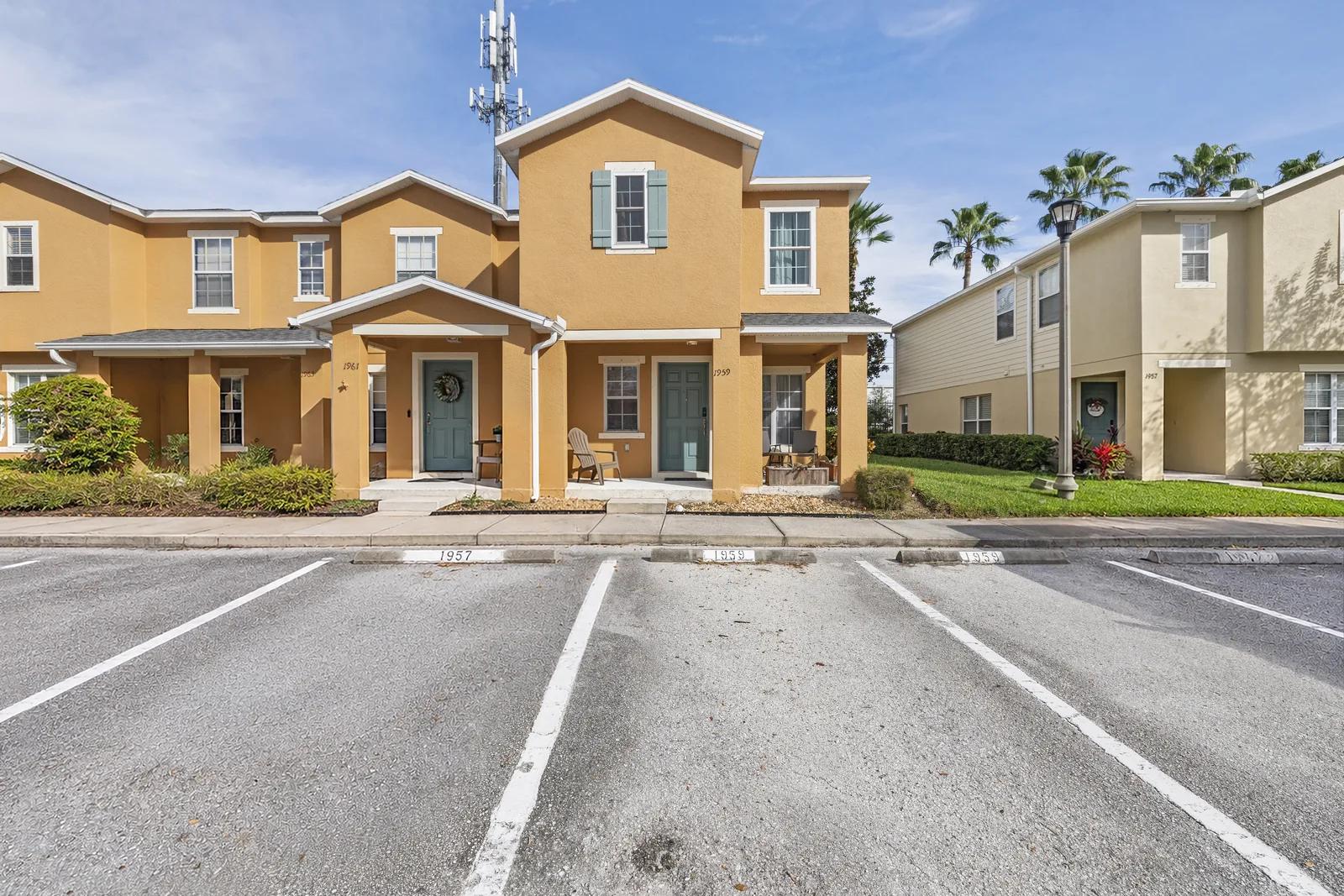
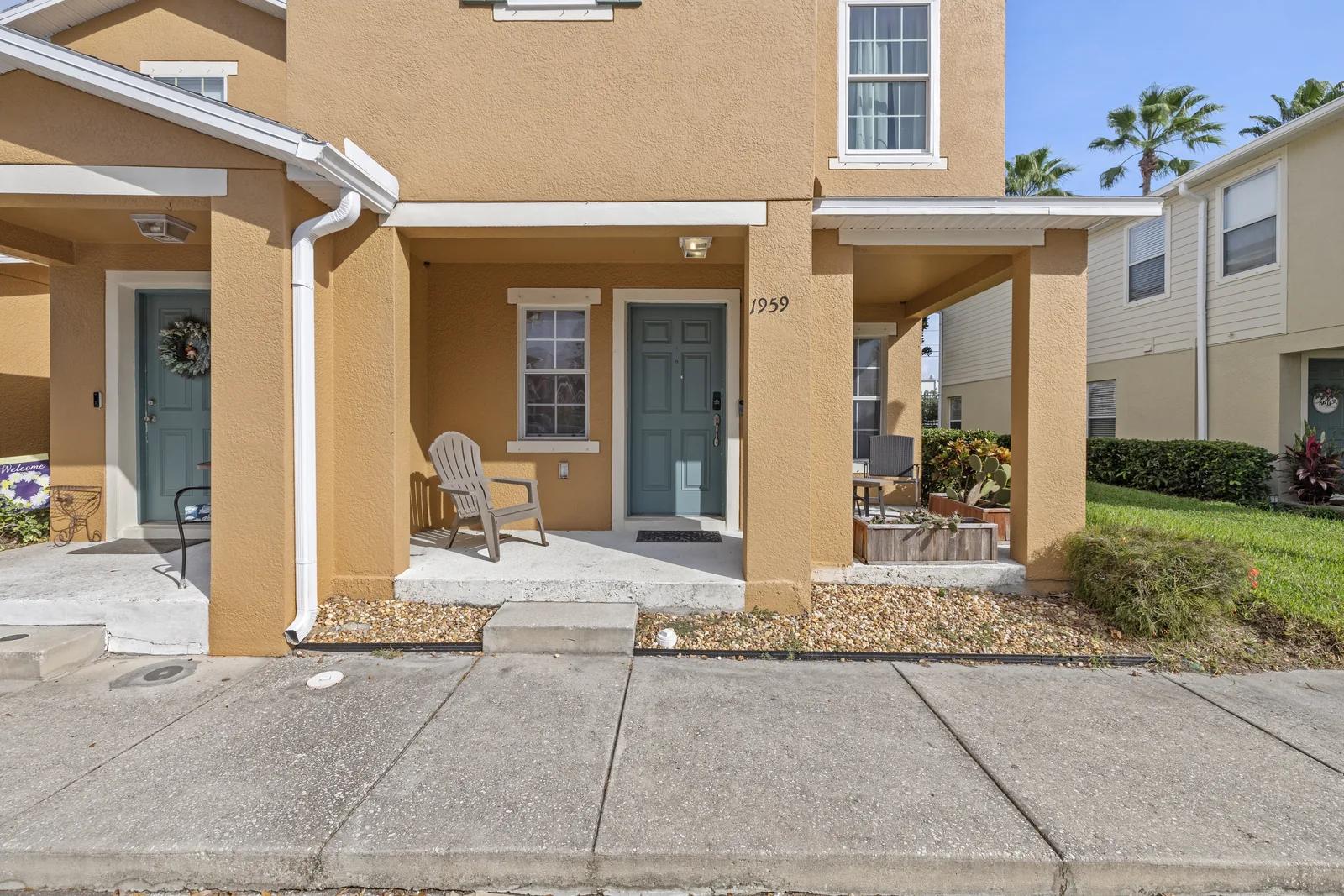
Use a clear exterior early in the sequence. The covered entrance then acts as a transition from the wider setting to the interior. If an interior is chosen as the lead image, the exterior should still be easy to find near the beginning.
Choose the lead photograph based on what best represents the property, not on a universal rule that every home must begin with the same type of image.
2. Keep the connected living spaces together
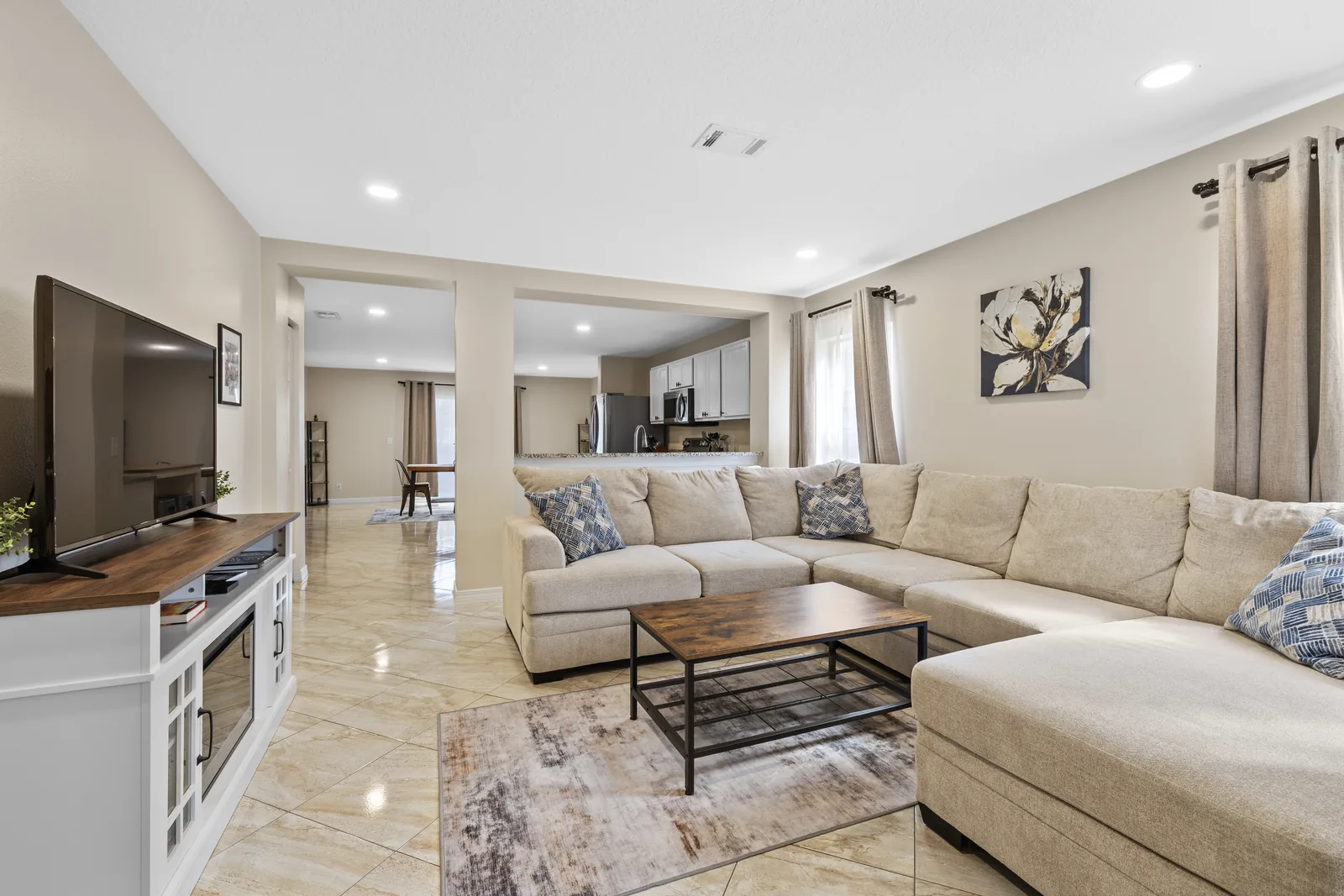
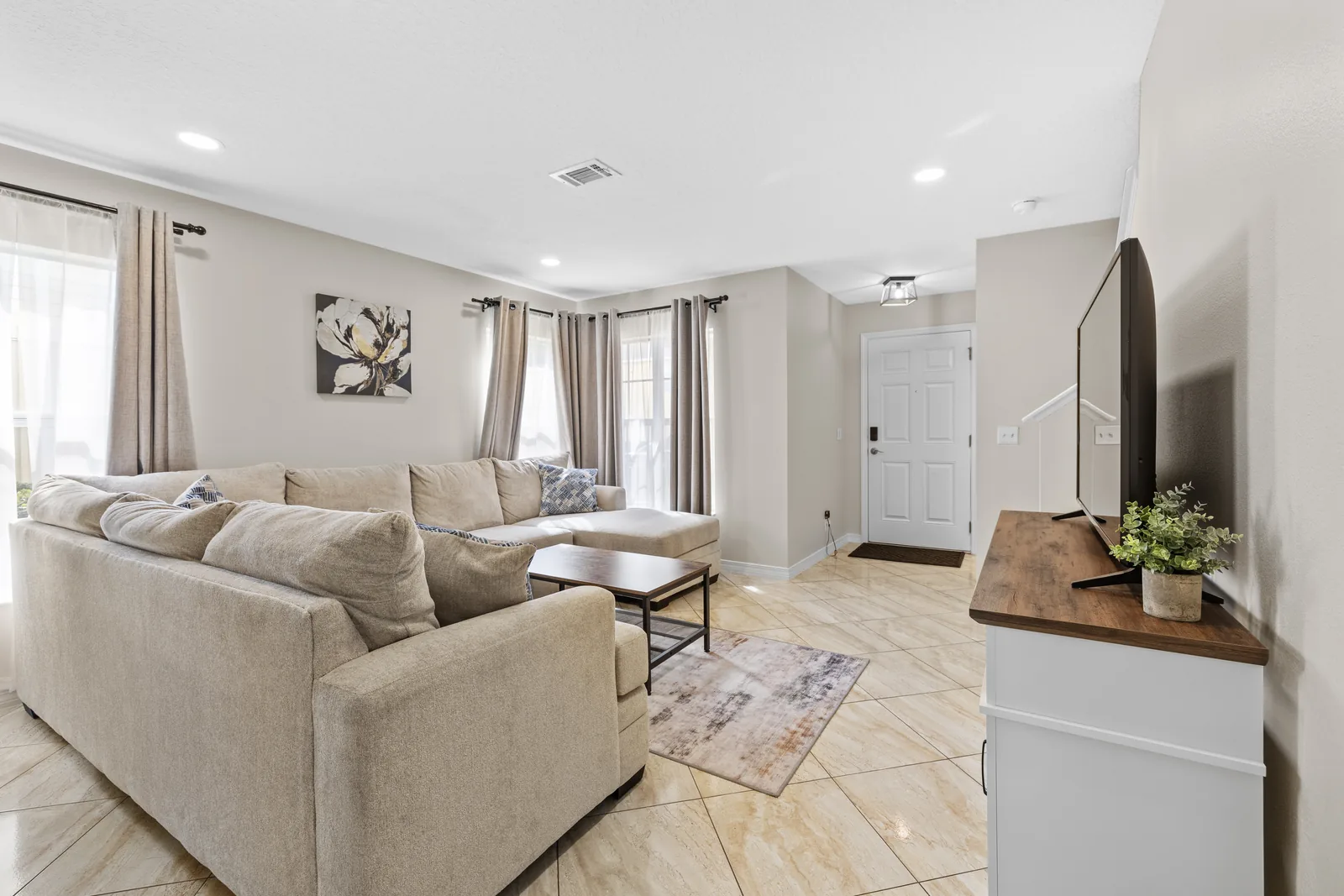
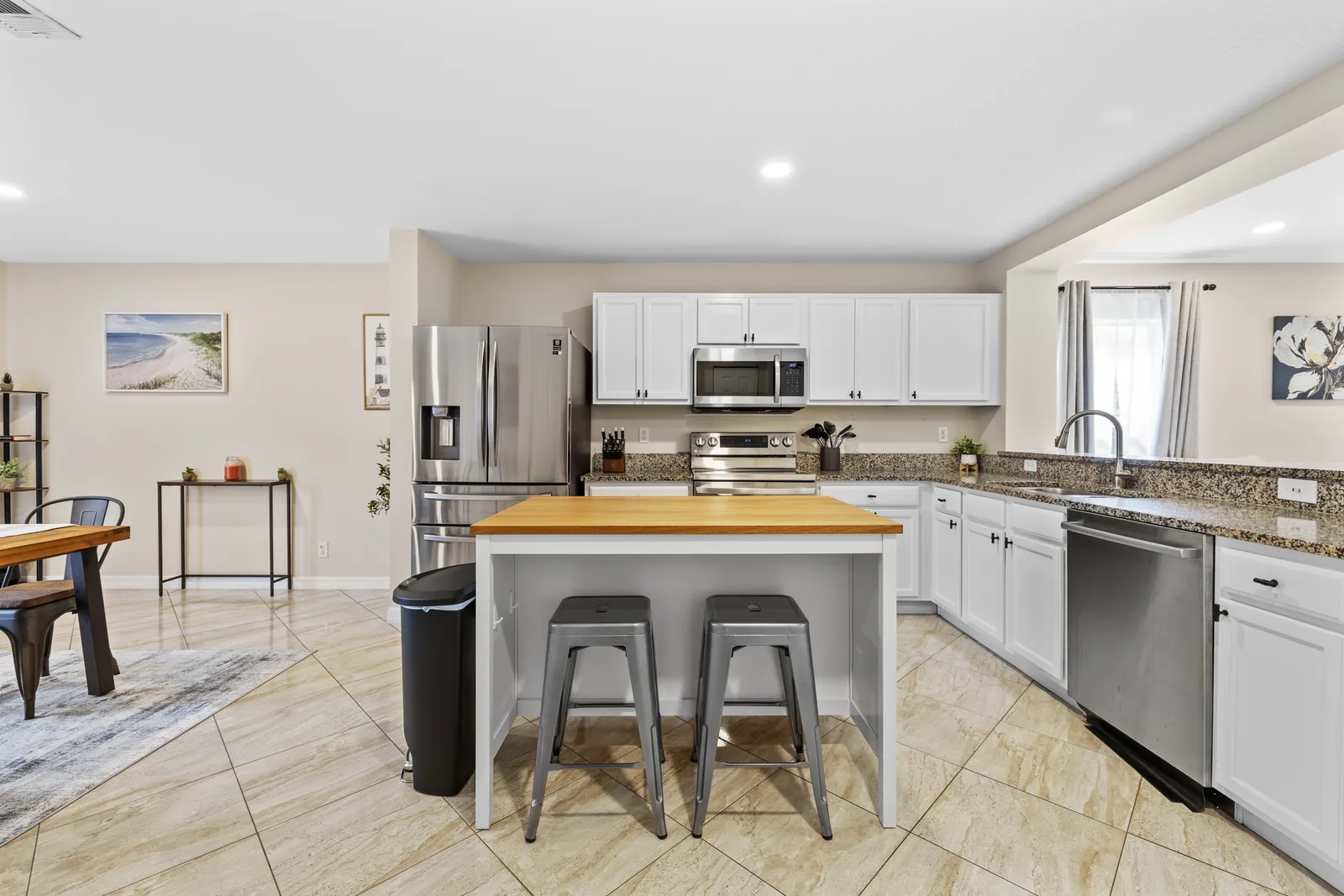
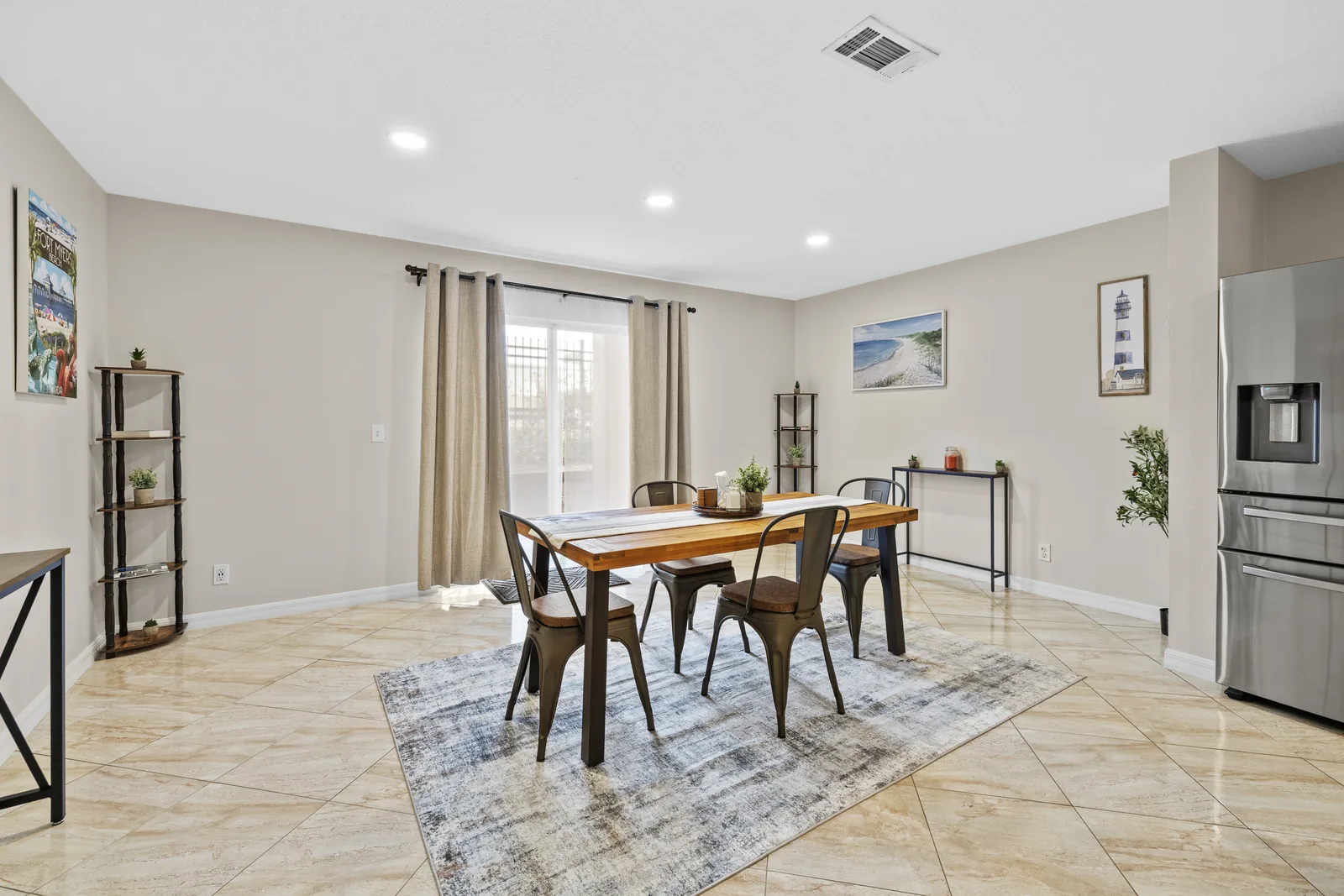
Group the living room, kitchen and dining area. This helps the viewer build a mental map before moving to another part of the home. The reverse living-room view can clarify an entrance or window position, but it should earn its place by adding information.
Switching between exterior, bedroom, kitchen and another exterior can make the same photographs harder to follow. The fix may be ordering rather than taking more pictures.
3. Show bedrooms and bathrooms as distinct spaces
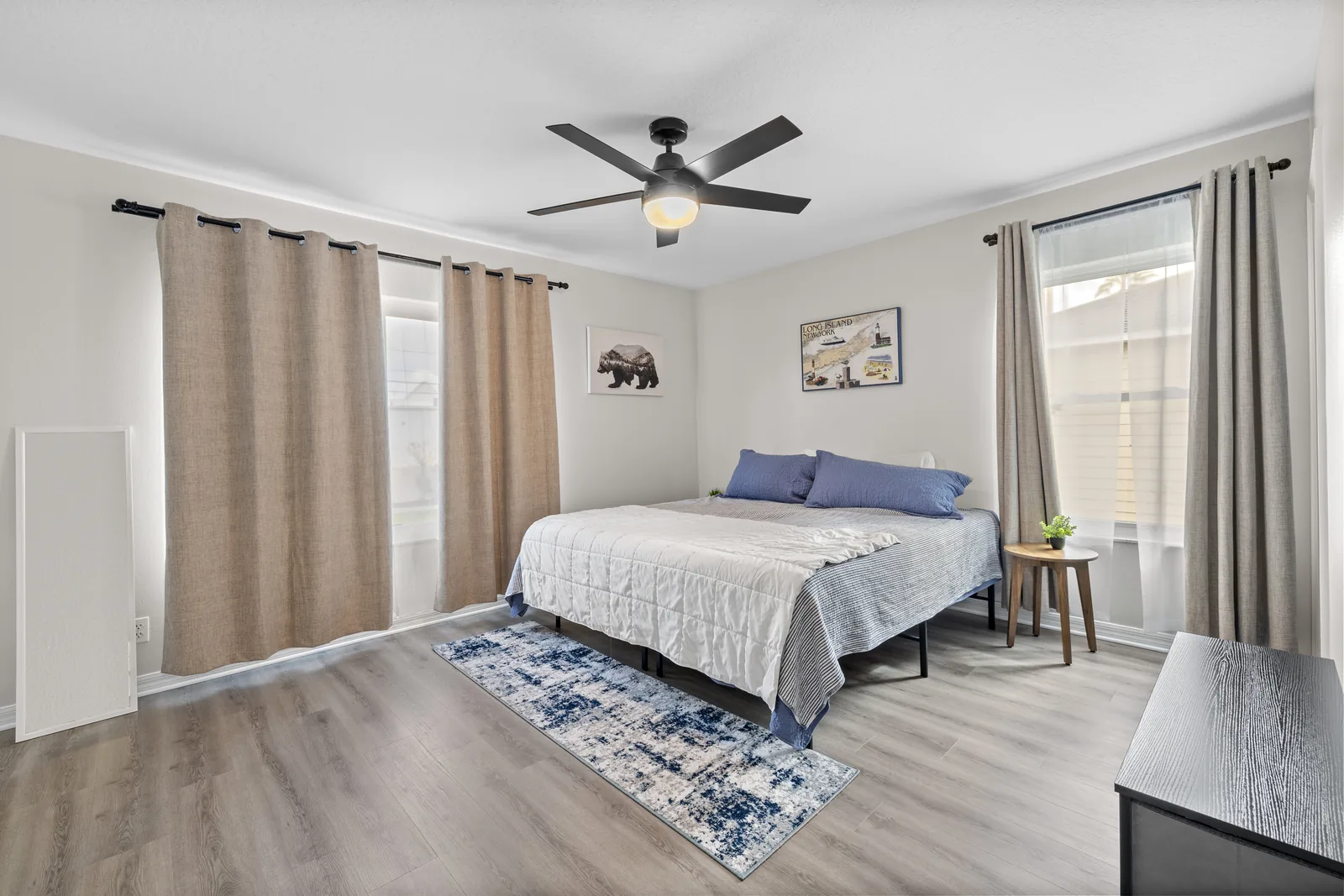
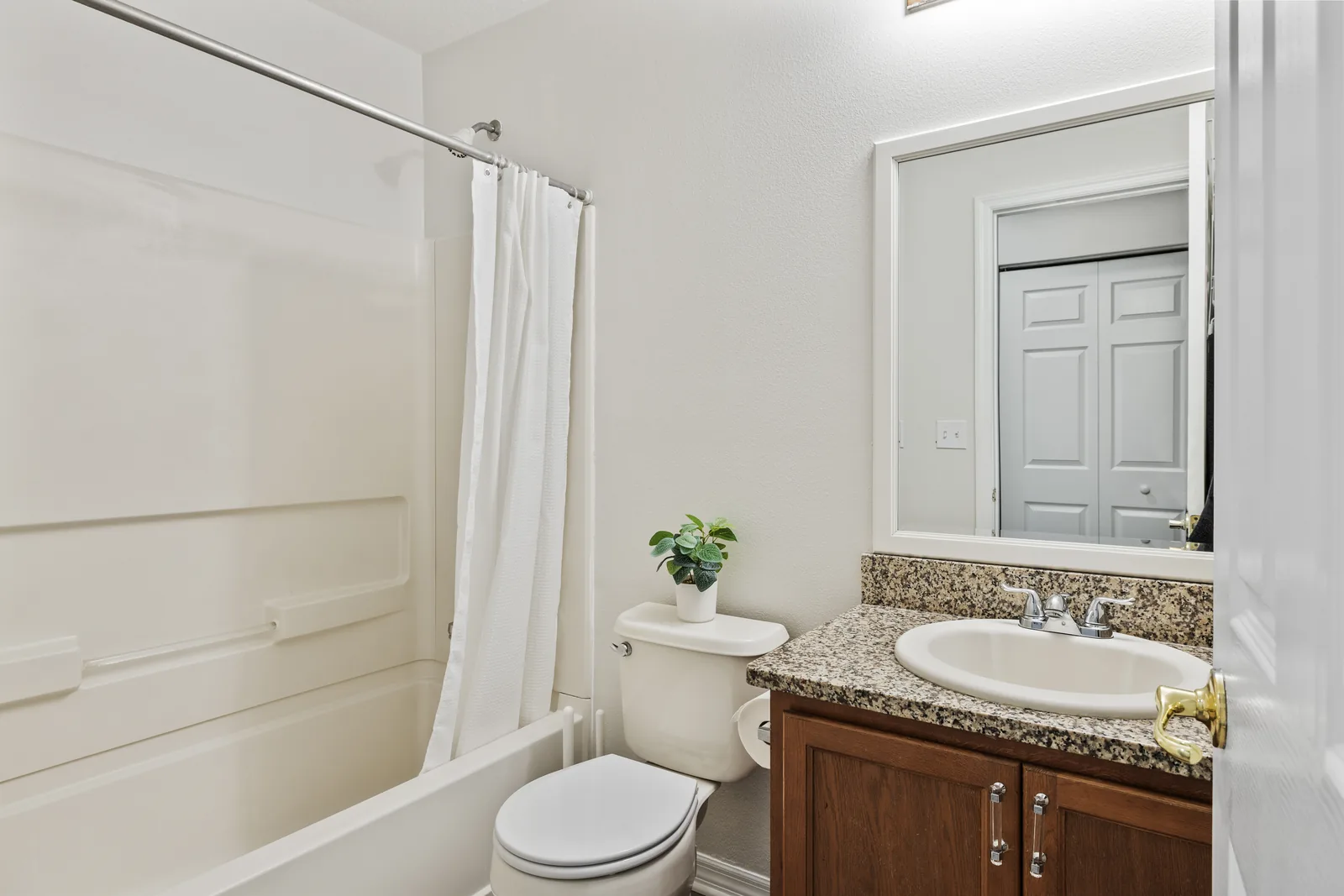
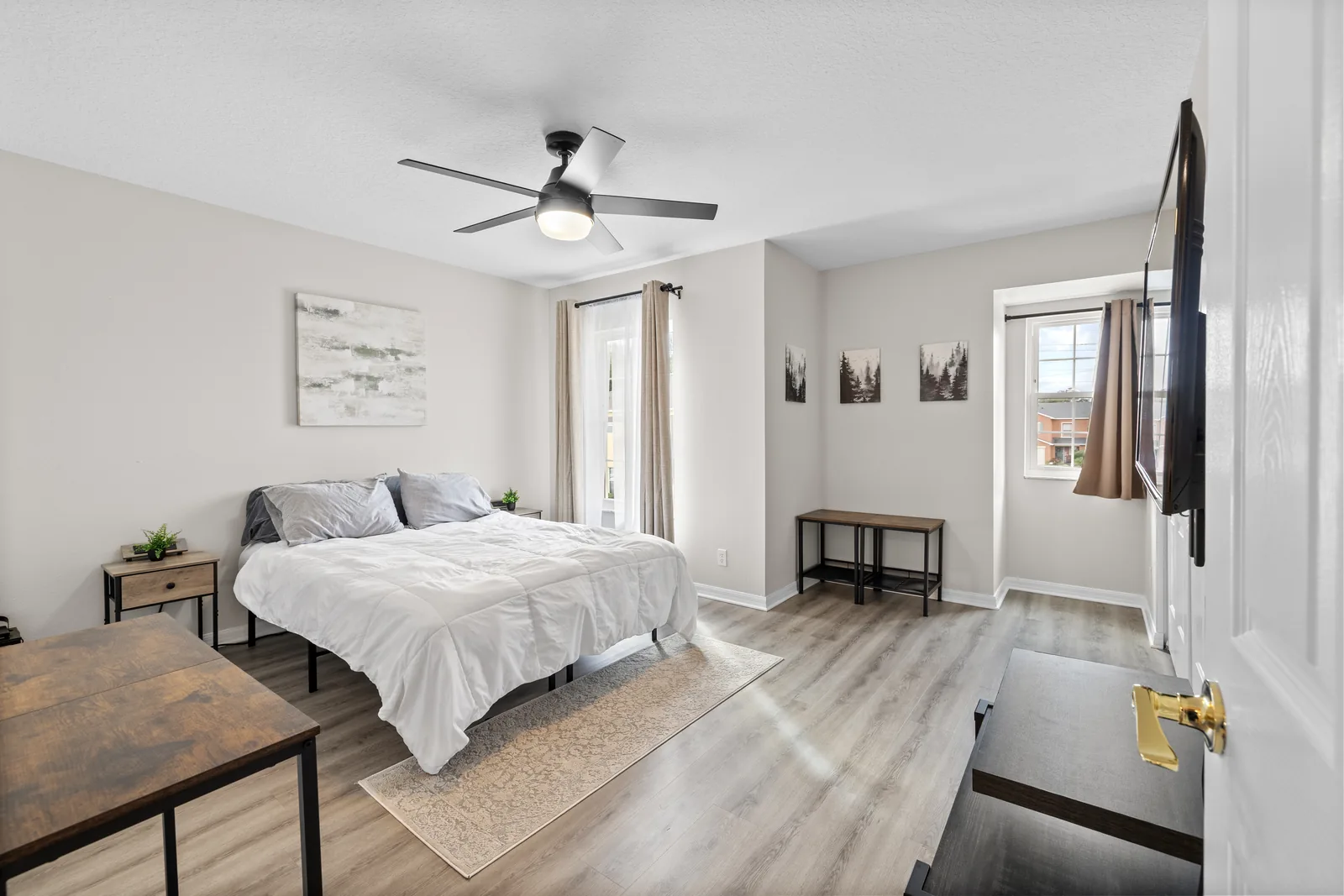
Give bedrooms separate, readable views and include the bathroom fixtures. Avoid describing a room as a primary suite, assigning a bedroom count or claiming a particular layout based on photographs alone when those details have not been verified.
The selected bedroom views show different furniture arrangements and window positions. They can help the viewer distinguish the rooms without adding unsupported property specifications.
4. Finish with clearly labeled community context
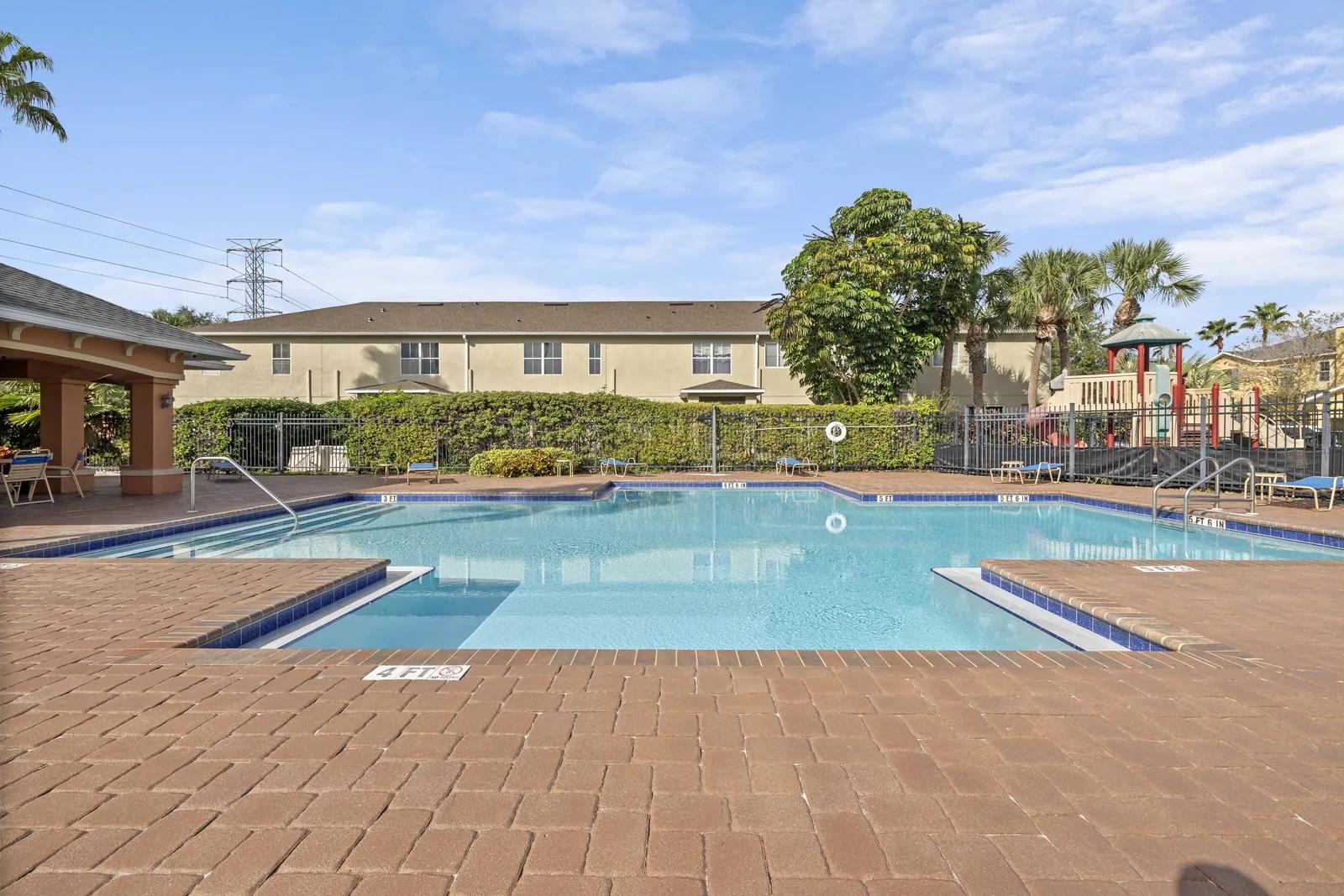
The community pool provides context beyond the interior. Label it as shared and keep it visually separate from private outdoor areas. For a new listing, the agent should confirm that the amenity is available to the property and that photography is permitted.
This prevents an attractive amenity photograph from creating an incorrect impression about what belongs exclusively to the home.
Check the gallery before uploading
Review the set on a phone as well as on a desktop. Small previews make duplicate angles and unclear transitions more noticeable. Check captions and image ordering in the actual listing platform because each system may display them differently.
- A recognizable exterior appears near the beginning.
- Connected rooms remain together.
- Every image adds a view or detail.
- Shared amenities are labeled as shared.
- The gallery does not imply unverified property features or sales results.
Plan your Tampa Bay listing shoot
Send the property address, size, preferred date and the rooms or amenities you need covered. We will confirm the scope and package before your shoot.