How Many Photos Do You Need for a Real Estate Listing?
By Igor, photographer at K94 Production · Updated November 17, 2026
Plan a complete listing gallery with a practical 20-photo example, guidance on larger sets and real photographs from a Clearwater townhome.
Start with coverage, then choose the photo count
For a straightforward listing, start by planning a complete set of around 20 distinct views. Choose 30 or 40 when the home has more rooms, useful reverse angles, outdoor features or permitted community amenities to show. These are planning options, not a universal MLS requirement or a promise that a larger gallery will sell a home faster.
The right count depends on what a buyer needs to understand. A compact home with a simple layout can need fewer views than a similarly sized property with a separate office, covered patio and several outdoor spaces. Square footage helps define the brief, but it does not describe every feature.
A practical 20-photo brief
Here is one way to allocate 20 finished photographs for a hypothetical home. Adjust it to the actual property: a missing amenity does not need a substitute image, and an additional bedroom may deserve more coverage. The allocation is an example, not the delivery list or purchased package for our Clearwater project.
- 3 exterior views: front, entrance and a relevant rear or outdoor view.
- 4 living and dining views: an overview and complementary angles that explain the layout.
- 3 kitchen views: overall workspace, a useful reverse angle and a relevant feature.
- 4 bedroom views, allocated according to the number and layout of bedrooms.
- 2 bathroom views showing fixtures and finishes.
- 2 additional spaces or permitted shared amenities, where applicable.
- 2 distinctive property features that have not already been explained.
What our Clearwater photographs help explain
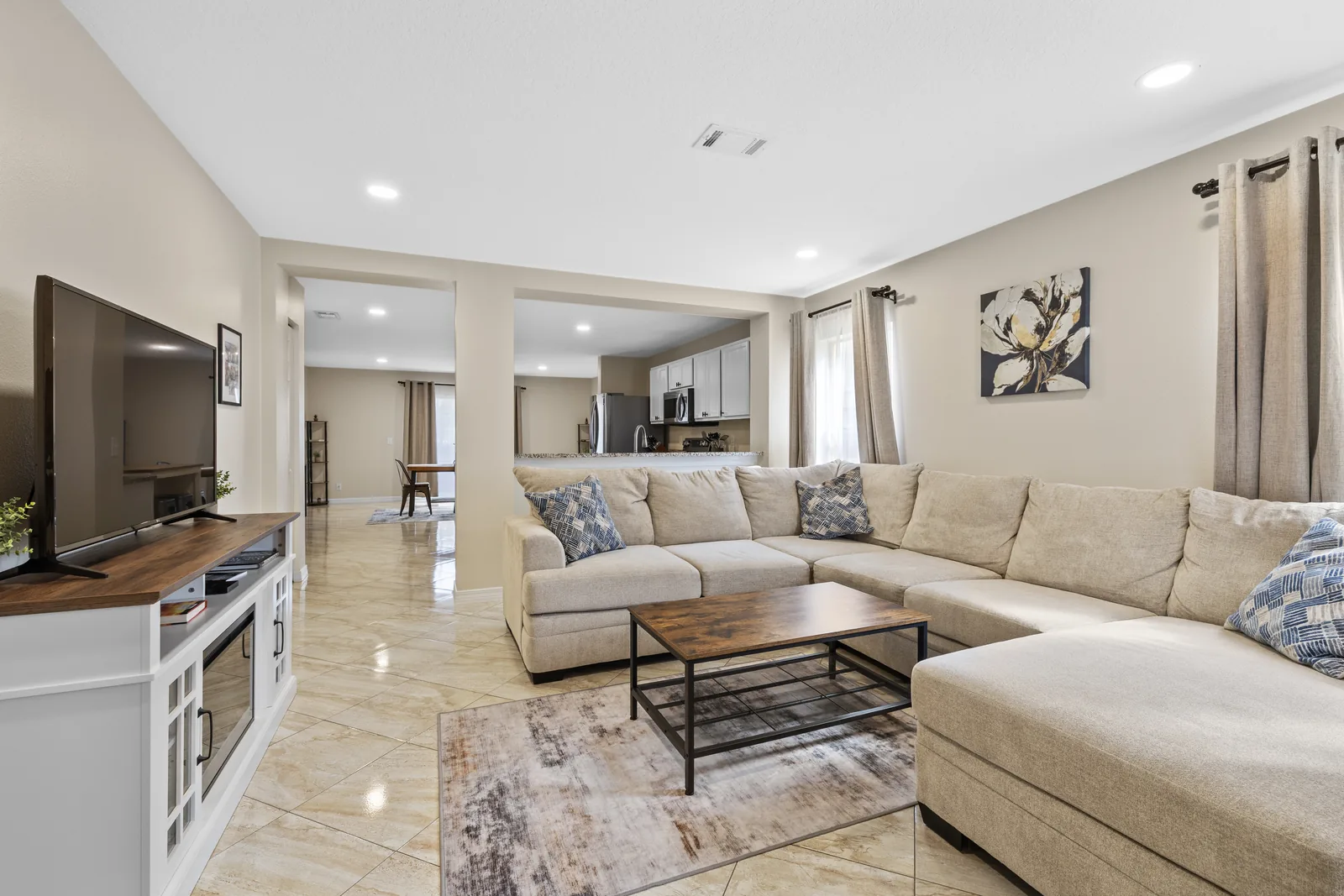
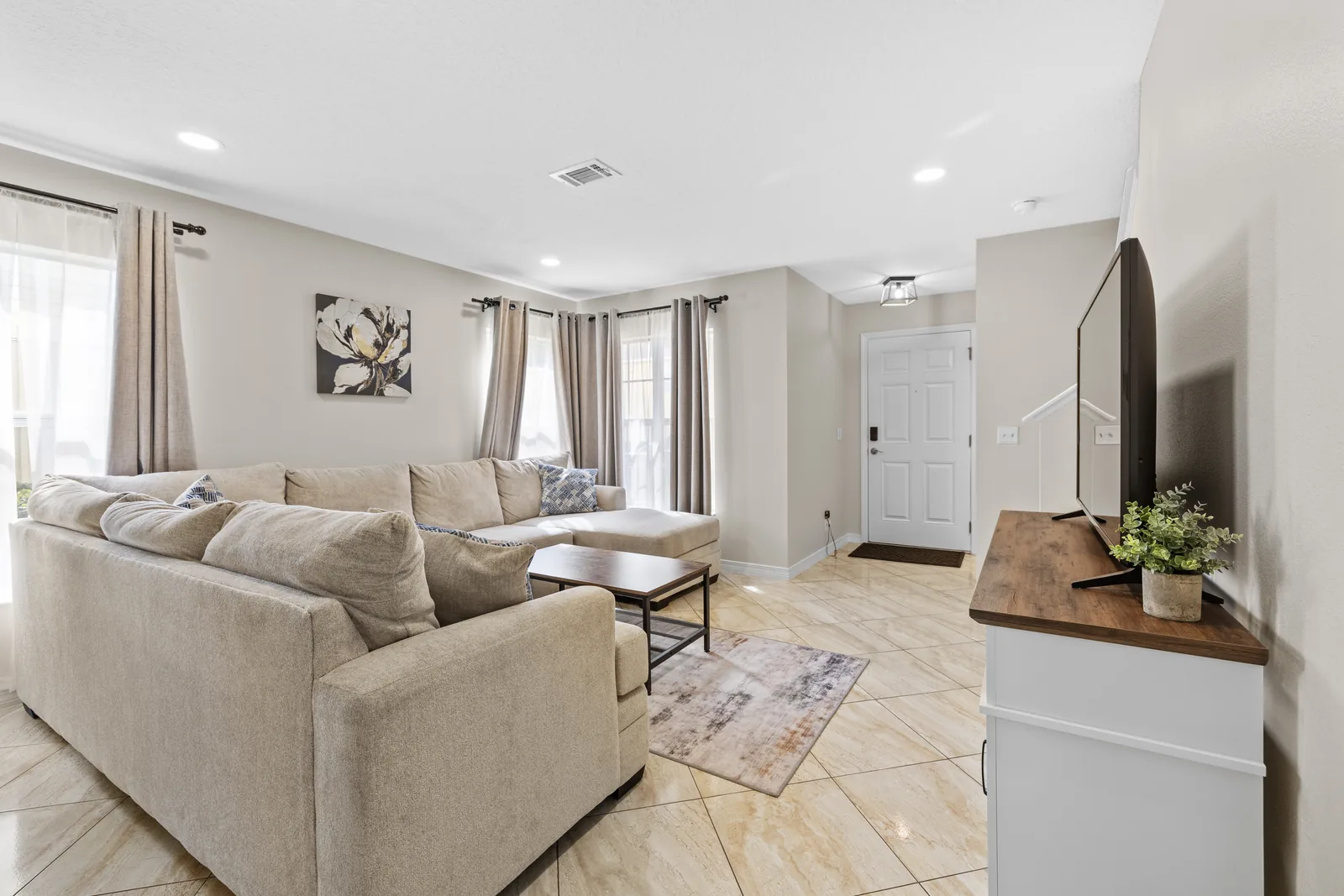
At 1959 Searay Shore Drive, the living-room overview and reverse angle communicate different things. One shows the seating arrangement and connection to the rest of the main floor; the other shows the entrance and windows. Both contribute to understanding the room.
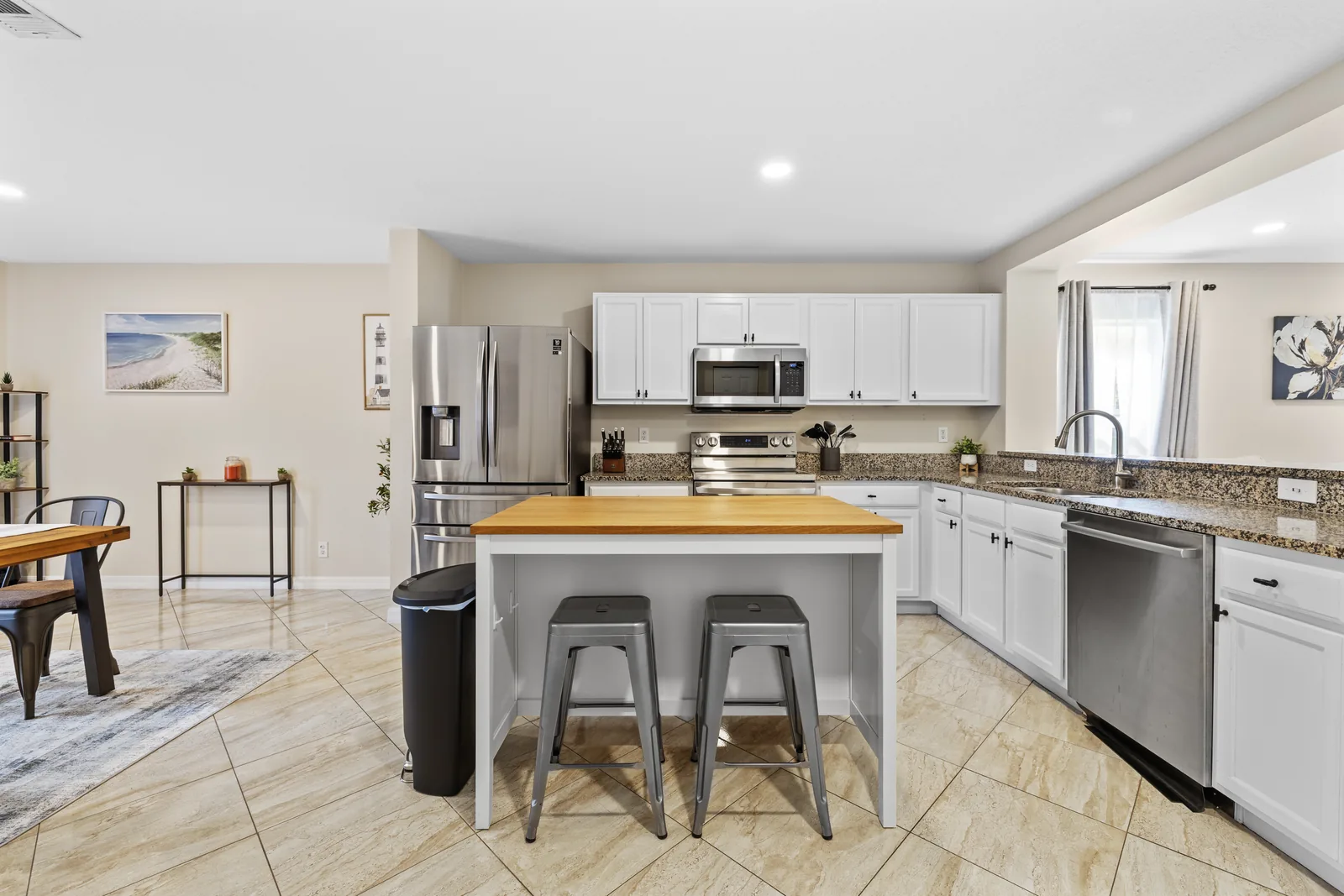
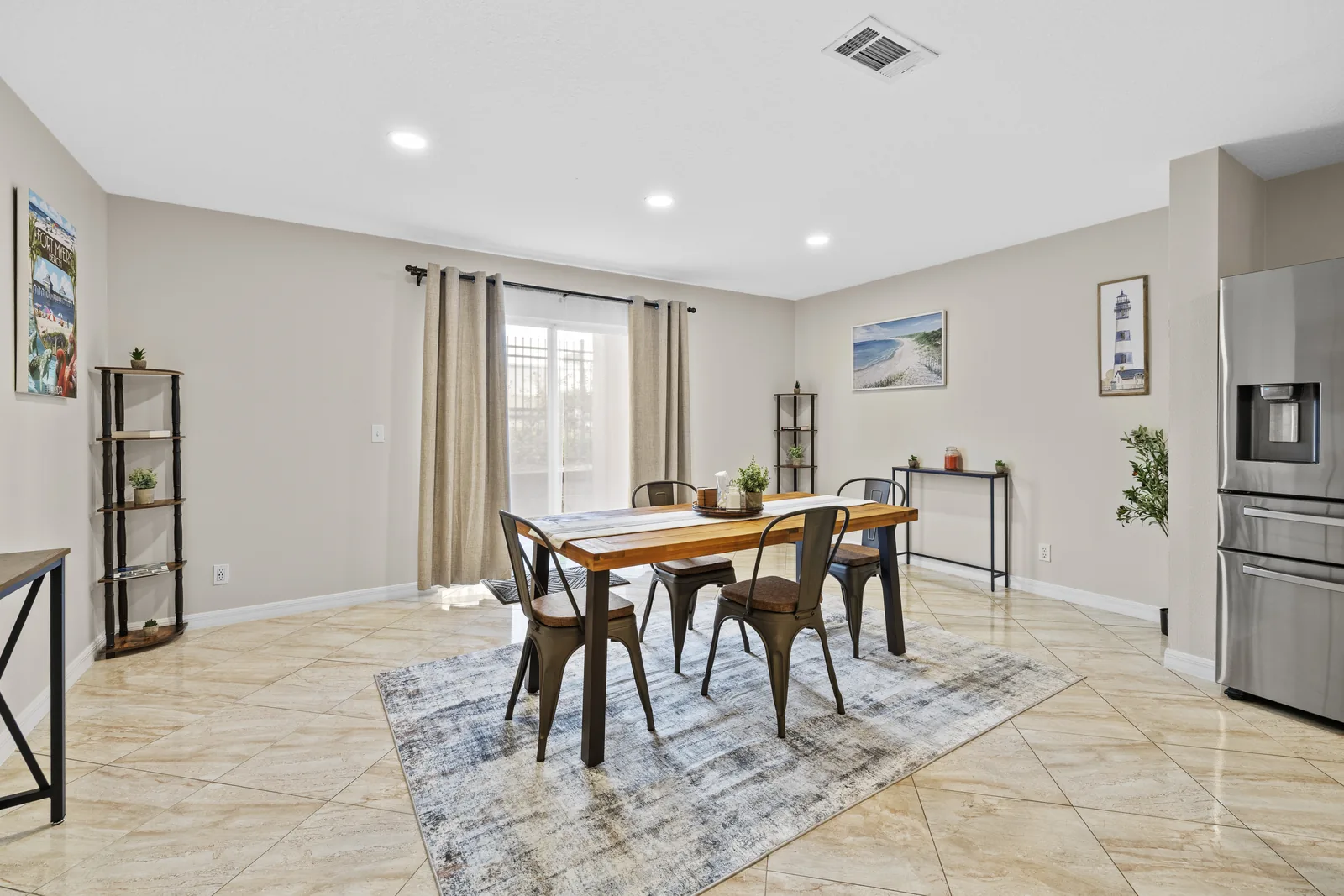
The kitchen and dining views then give those spaces their own identity. The lesson is not to take two photographs of every room automatically. Add an angle when it reveals a doorway, window, feature or relationship that the viewer has not seen.
When 30 or 40 photographs make sense
A larger set can be useful when there are genuinely more spaces to document. Separate living areas, an office, several bedrooms, outdoor entertaining areas and shared facilities can each add to the brief. Some rooms also need a second angle to make their layout understandable.
Before increasing the count, ask what each extra image will show. Three nearly identical views of a sofa add less information than a clear photograph of an otherwise missing room. Review the complete sequence instead of assuming a particular count is automatically best.
- Choose more coverage for additional rooms and usable outdoor spaces.
- Include a second angle when it explains a feature or connection.
- Keep photographs of shared amenities clearly labeled.
- Remove near-duplicates before uploading the final gallery.
Do all exterior and amenity photos belong in the same gallery?
Exterior images help viewers recognize the property and understand its setting. Amenity images can add context when they are relevant to the listing and the agent has confirmed access and permission to photograph them.
The pool photographed during our Clearwater assignment is a shared community pool. Its caption should make that clear. Do not let a gallery imply that a shared facility is a private feature of the home.
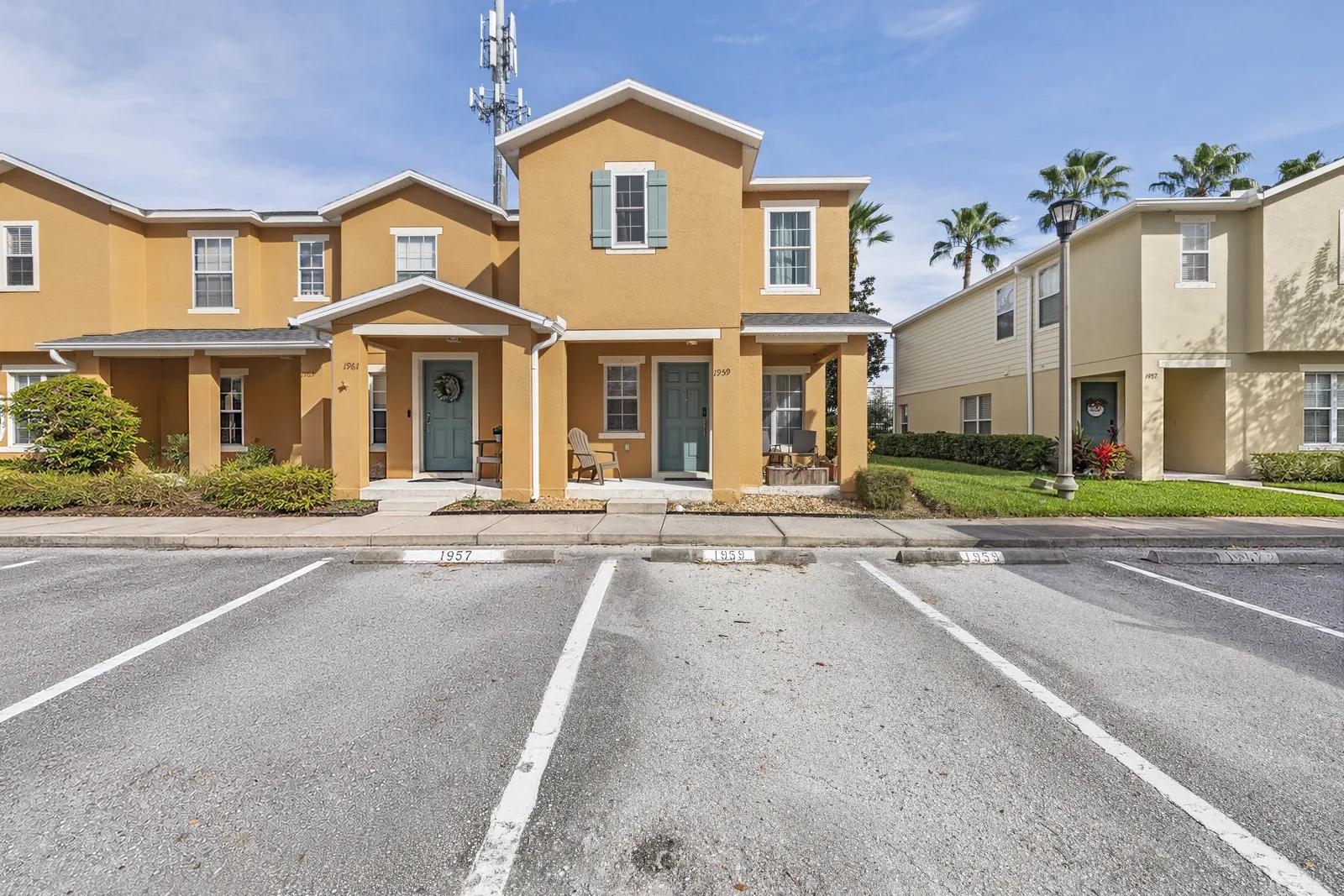
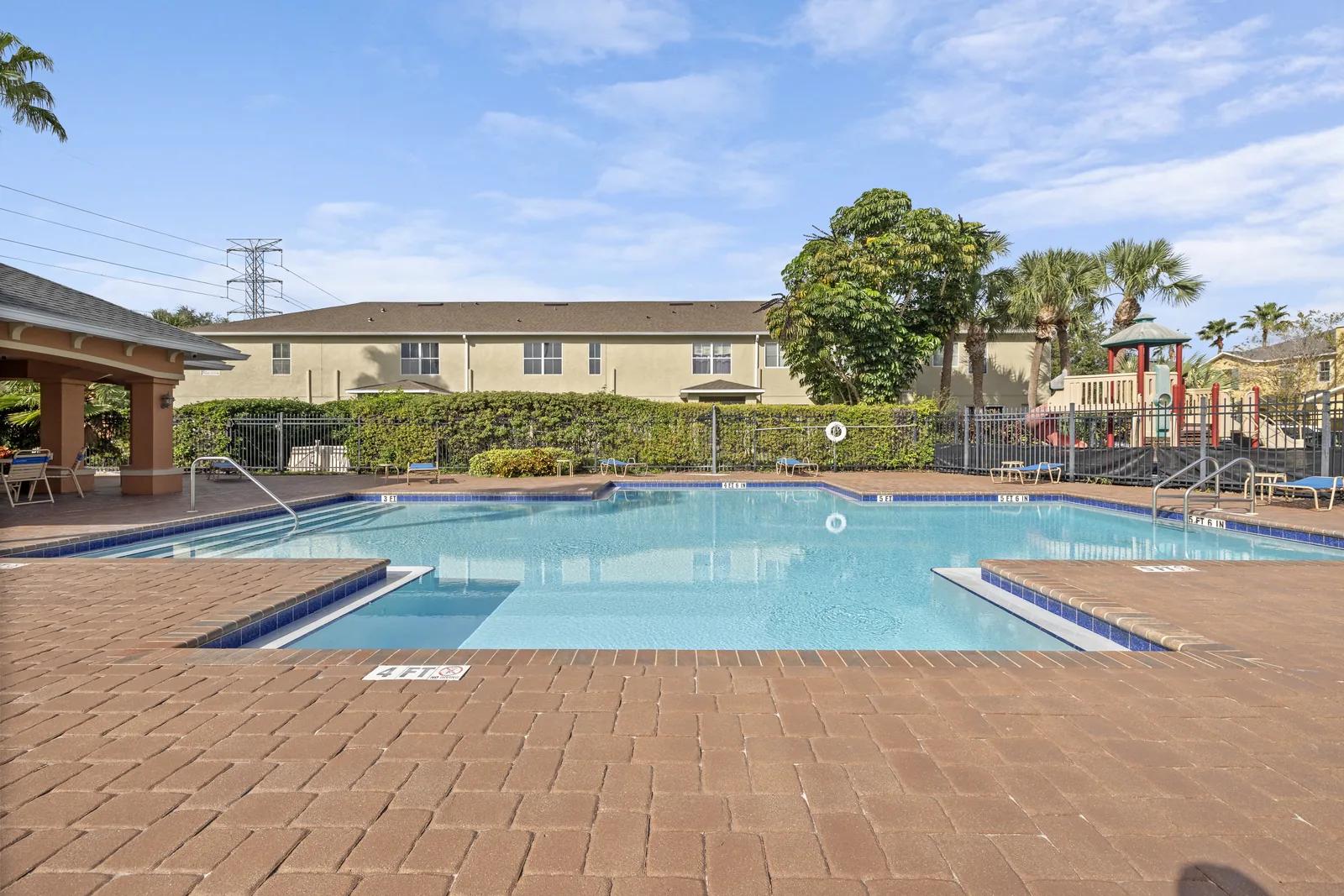
Photo limits and photo quality are different decisions
Check the current requirements of the MLS and the destination where the listing will appear. Upload limits, required views, permitted branding and media fields are separate from the number of photographs needed to explain the property.
For Tampa Bay agents using Stellar MLS, its official photo rules and listing-content rules are the appropriate starting point. Do not assume a limit quoted for a different MLS applies to your listing. Confirm the current instructions before upload, and review the published gallery after syndication.
Photos, floor plans and video answer different questions
A still photograph lets a viewer inspect a room. A floor plan helps explain the arrangement of spaces, while a listing video can show a selected route through the home. Adding video does not eliminate the need for a useful still-photo gallery.
If you are deciding between packages, first make a room-and-feature list. Then decide whether moving footage would add useful information and whether you have a place to share it. Our separate photos-versus-video guide explains that choice.
Choose a package from a clear brief
K94’s current packages include 20, 30 or 40 HDR photos, depending on the package. Each includes a 2D floor plan. Pro and Elite also include different listing-video lengths; optional drone and other services are quoted separately.
Send the property address, approximate size, room list and intended listing date. Include any requested amenities or access restrictions. We can then confirm the appropriate scope before the shoot.
Current K94 packages
Starter
$149
- 20 HDR Photos
- 2D Floor Plan
- Interior + Exterior
- 24-Hour Delivery
- Web & MLS Ready
Pro
$300
- 30 HDR Photos
- 2D Floor Plan
- Interior + Exterior
- 60-Sec Listing Video
- 24-Hour Delivery
- Social Media Ready
Elite
$500
- 40 HDR Photos
- 2D Floor Plan
- Interior + Exterior
- 90-Sec Cinematic Video
- 24-Hour Delivery
Drone photos, drone video, 3D virtual tours and virtual twilight are optional add-ons, quoted separately. Drone flights depend on weather, site access and airspace authorization.
Frequently asked questions
Is 20 photos enough for a real estate listing?
It can be a useful starting point for a straightforward property if those photographs cover the important rooms, exterior and relevant features. More complex properties may need additional views. Treat the count as a coverage decision, not a universal MLS standard.
Are 40 photos always better than 20?
No. A larger set is useful when the extra photographs add information. Repeated angles should not replace coverage of missing rooms or features.
How many photos are included in K94 packages?
Starter includes 20 HDR photos, Pro includes 30 and Elite includes 40. Each includes a 2D floor plan; Pro and Elite also include listing video.
Does video replace listing photos?
Video supplements the photo gallery. Keep a complete set of still photographs so viewers can inspect individual rooms without watching a film.
Compare photos and listing video →
Official listing-media guidance
Check the current Stellar MLS photo rules and listing content and virtual-tour rules before uploading listing media. Guidance reviewed November 17, 2026.
Plan your Tampa Bay listing shoot
Send the property address, size, preferred date and the rooms or amenities you need covered. We will confirm the scope and package before your shoot.